
Anghami
Music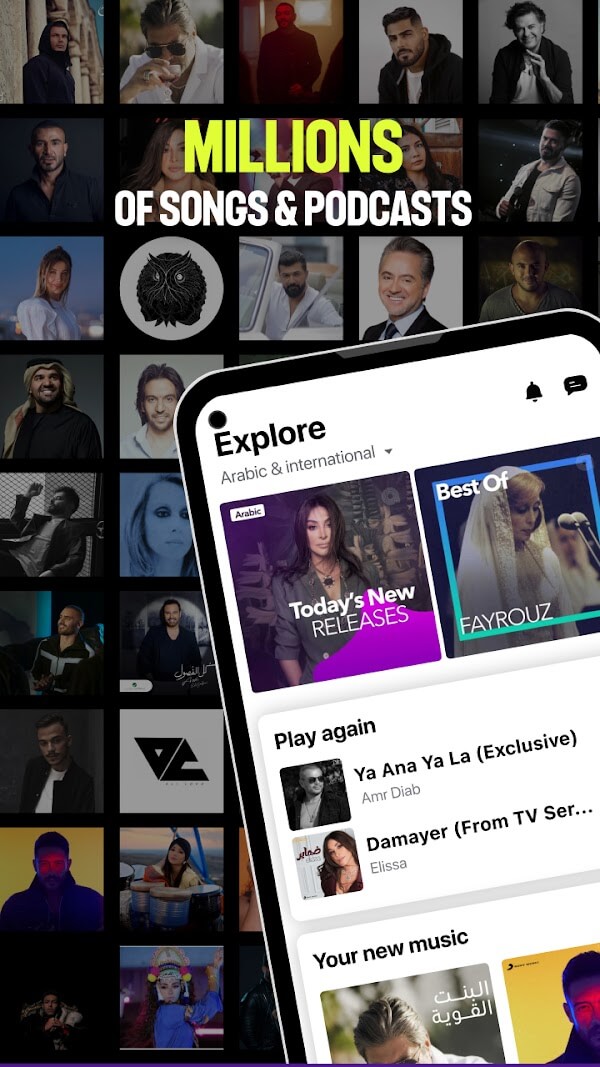
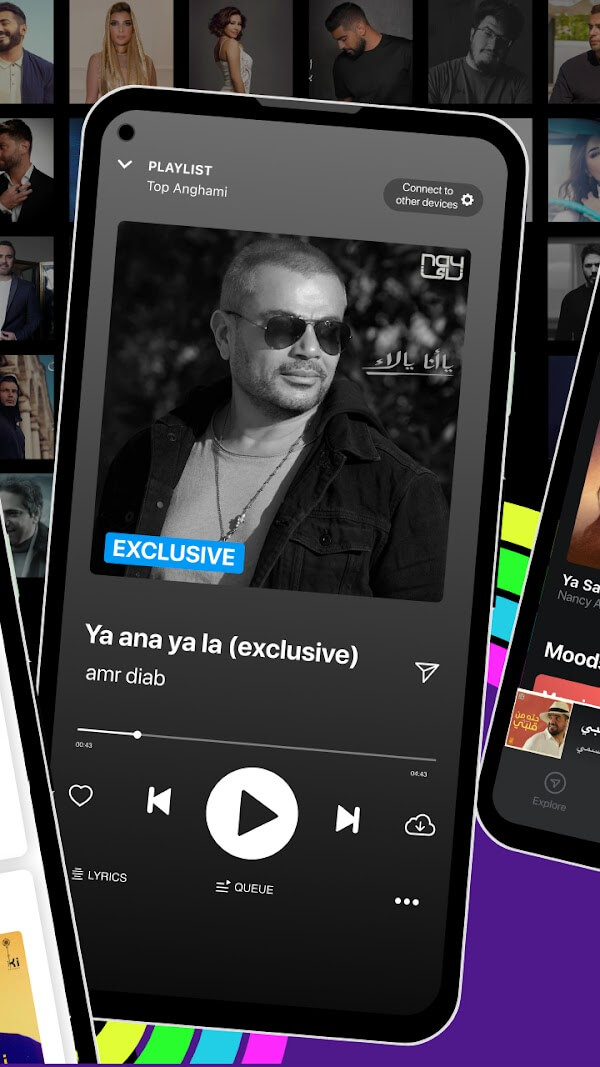
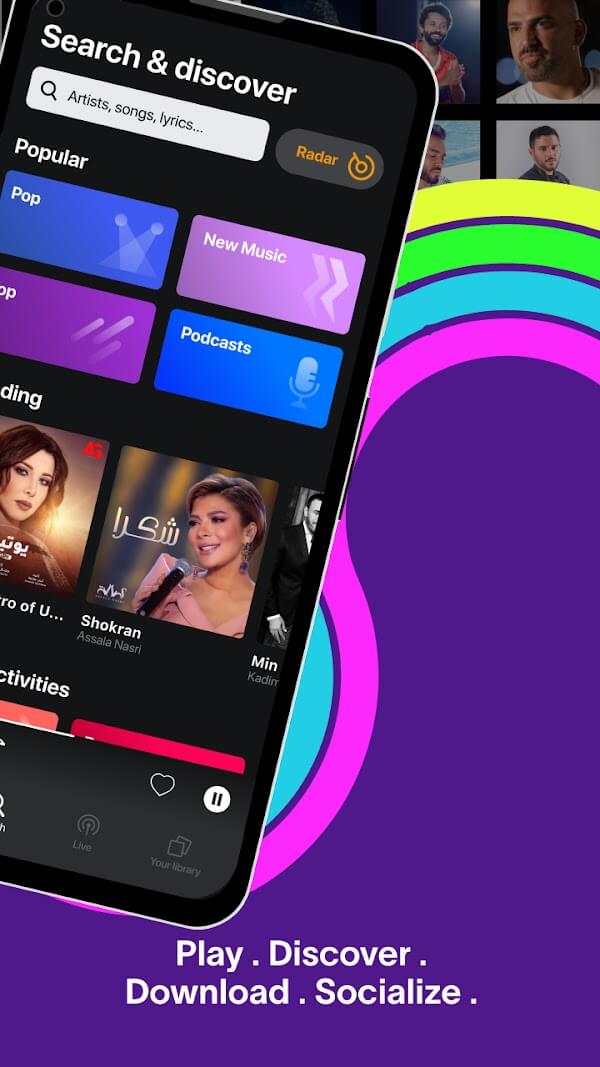
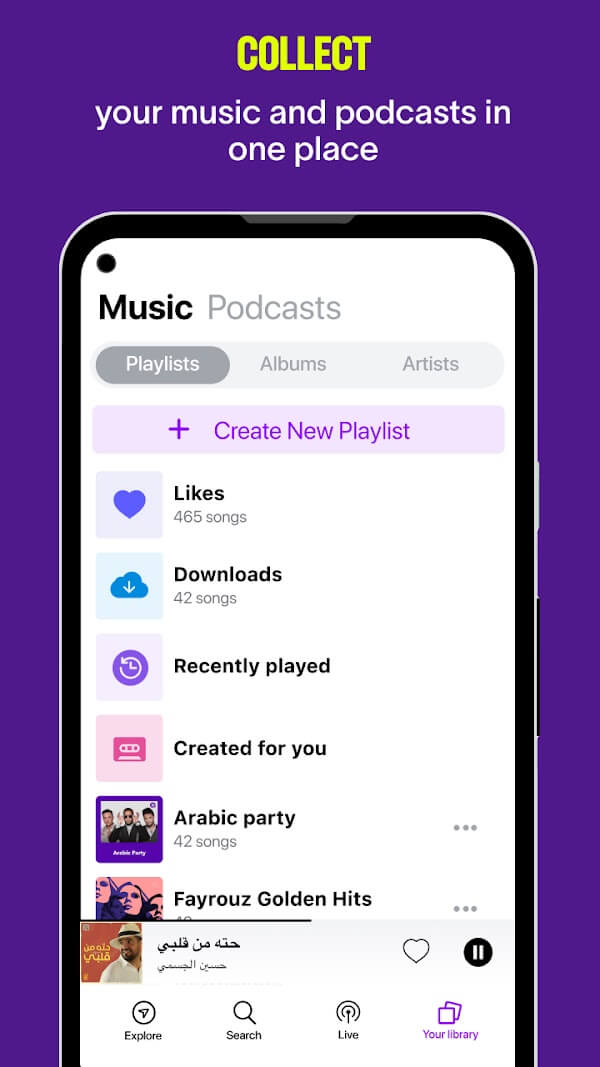
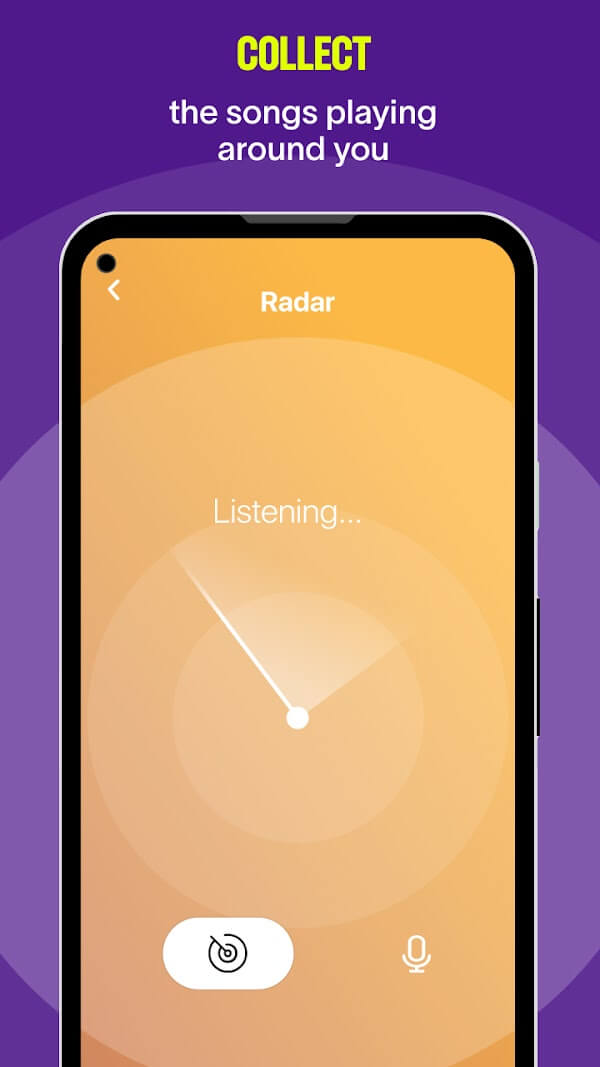

Anghami is a music streaming app that focuses on songs and artists from the Middle East and North Africa. It gives listeners a dedicated space to explore Arab‑pop, traditional, and contemporary tracks that are often under‑represented on global platforms.
This page provides the latest official APK details, a step‑by‑step install guide, and practical advice on using Anghami safely on your Android device.
Quick Information
| App/Game Name | Anghami |
| Latest Version | 8.0.28 |
| Developer | Not listed |
| Category | Apps / Music |
| App Size | 110.84 MB |
| Package Name | com.anghami |
| Last Updated | 13 October 2026 |
What Is Anghami?
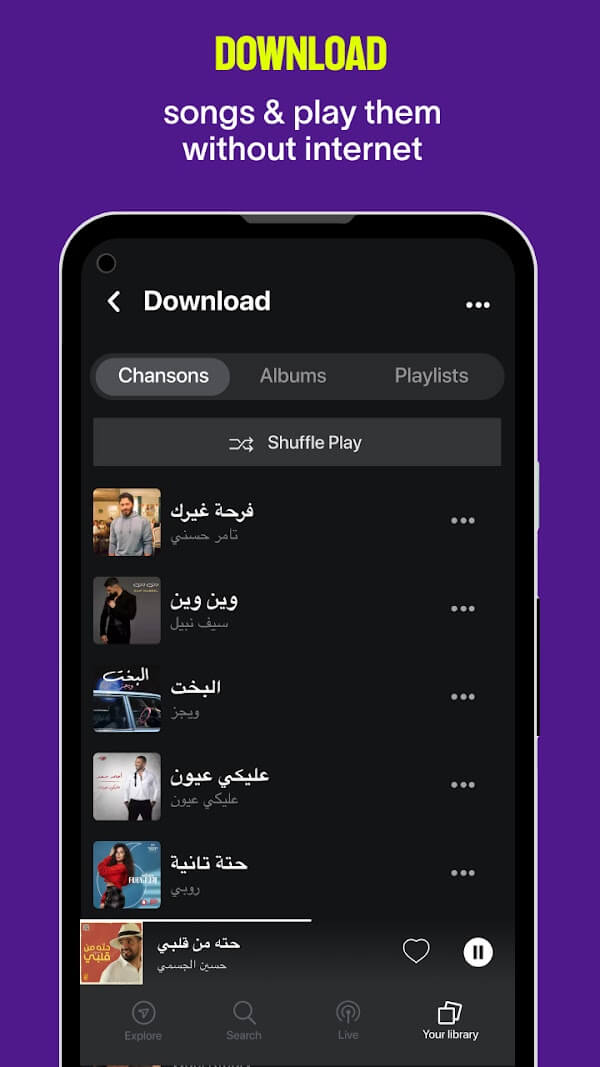
Anghami aggregates a large catalog of Arabic and regional music, allowing users to browse playlists, search for specific tracks, and create personal collections. The app is designed for music lovers who want easy access to Arab‑language songs, trending hits, and curated mixes. While the core experience is free, some features may require a subscription within the app.
Compatibility
Compatibility
| Android Version | Not Verified |
| Architecture (ARM64 / 32-bit) | Not Verified |
| Internet Connection | ✓ Verified — May be required for ads, updates, or login |
| Storage Needed | Not Verified |
| OBB/Data Files | Not Verified |
| Root Required | Not Verified |
How to Install
- On your Android device, go to Settings → Security (or Privacy) and enable Install unknown apps for the browser or file manager you will use.
- Download the Anghami APK file to your device.
- Locate the downloaded file in the notification shade or your Downloads folder and tap it.
- Follow the on‑screen prompts to install the app. Grant any requested permissions (e.g., storage for offline playback).
- When installation finishes, open Anghami and sign in or create a new account to start listening.
Troubleshooting
- App not installed: Ensure you have enabled installations from unknown sources and that the APK is fully downloaded.
- Crashes on startup: Clear the app cache via Settings → Apps → Anghami → Storage → Clear cache, then restart the app.
- Login or streaming issues: Verify you have an active internet connection and that any VPN or firewall isn’t blocking the service.
- Offline playback not working: Make sure you have granted storage permission and that you have downloaded tracks while online.
Safety & Security
Anghami is distributed as a standard APK. Before installing, download the file from a reputable source and scan it with an up‑to‑date antivirus app. Review the permissions the app requests; typical permissions include storage access for offline music and network access for streaming. Keep the app updated to receive security patches and new features.
How Anghami Compares
| Feature | Anghami | Spotify | Apple Music |
|---|---|---|---|
| Price Model | Free tier with ads; premium subscription available | Free tier with ads; premium subscription | Free trial then subscription only |
| Platform Availability | Android, iOS, web | Android, iOS, web, desktop | Android, iOS, macOS, web |
| Standout Feature | Extensive Arabic and regional catalog | Personalized playlists and massive global library | Integration with Apple ecosystem |
| Best For | Listeners seeking Middle Eastern music | Users wanting a broad, algorithm‑driven music experience | Apple device owners who want seamless sync |
Alternatives
- Spotify – A global streaming service with a massive library and robust recommendation engine.
- Deezer – Offers a large catalog and a “Flow” feature that mixes popular and niche tracks, including some Arabic content.
- SoundCloud – Hosts many independent Middle Eastern artists and user‑uploaded tracks not found elsewhere.
- YouTube Music – Provides access to official music videos and user‑generated playlists, useful for discovering regional hits.
Final Verdict
Anghami is the go‑to app for anyone interested in Arabic and Middle Eastern music on Android. Its focused catalog fills a gap left by larger services, and the free tier lets you explore without commitment. Just ensure you install the APK from a trustworthy source and keep the app updated. If you need a broader global library, consider the alternatives listed above.
Frequently Asked Questions
Download the APK from a reputable source, scan it with an updated antivirus app, and review the permissions before installing.
Anghami runs on Android 5.0 (Lollipop) and newer, but newer versions provide better performance.
Streaming music requires an active internet connection; you can download tracks for offline listening if you grant storage permission.
A basic account is required to access the full library and create playlists; you can sign up with an email or social login.
Yes, Anghami offers a subscription that removes ads, enables higher‑quality streaming, and provides unlimited offline downloads.
Download the newest APK from a trusted source and install it over the existing app; the installer will replace the old version while keeping your data.
This usually means the APK is corrupted, incomplete, or your device blocks installations from unknown sources. Verify the download and enable the proper setting.
Installing a side‑loaded APK will replace the Play Store version; you may need to uninstall the Play Store app first if you want to keep both.